To prevent abuse of free credits, we use a hashed device signal (browser identifier, basic device characteristics and network). We don't store the raw values.
Markers and whiteboard
Line art
Colour illustration
Business and diagrams
Dark boards
Paste the narration. Nothing is rewritten. Every sentence gets a drawing and lands on its own cue.
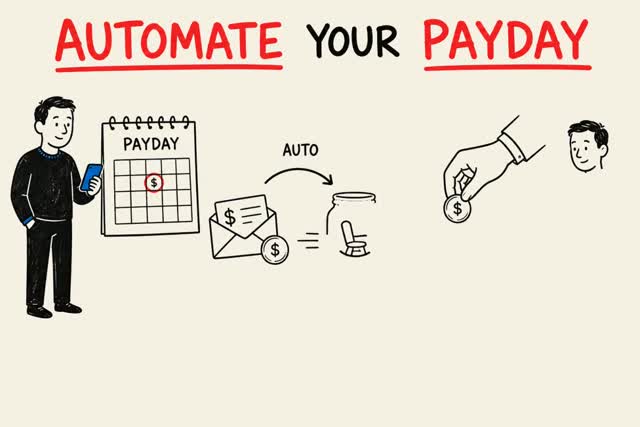
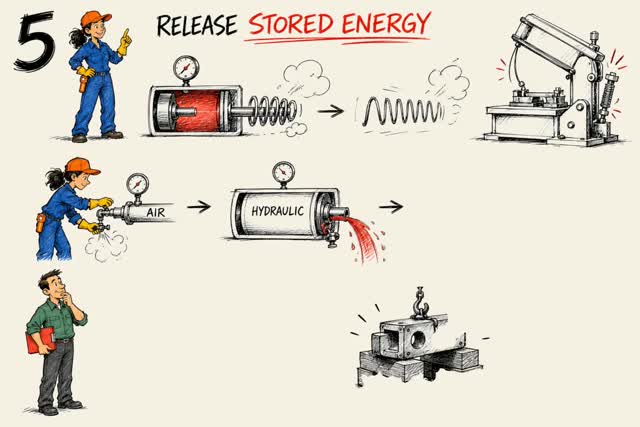
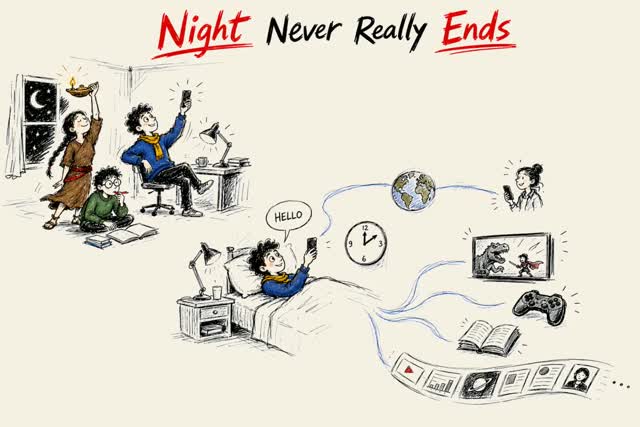
| Free | Membership | |
|---|---|---|
| Length per video | Up to 2 min (≈300 words) | Up to 15 min (≈2,200 words) |
| How many | 1 free video a day | As many as your minutes cover |
| Fix one board after it renders | — | Yes |
| Same character on every board | — | Yes |
| Your own or a cloned voice | — | Yes |
| Watermark | None | None |
| StrokeVideo end card | 2 seconds at the end | None |
Plans start at $0.20 per finished minute on the yearly plan. See plans
Most script-to-video tools rewrite your script into something the model prefers. This one does not. Choose 'I have a script', paste it, and the narration is synthesised from your text as written. Legal wording, a quote, a joke with specific timing: all preserved.
The script is split into boards of one idea each, usually two or three sentences. Each board is illustrated as one complete picture. The narration is generated with word-level timestamps, and each object in the picture is drawn as the sentence that names it is spoken.
Name things the pen can draw: a clock, a ledger, a queue of people, a curve. Say numbers out loud so number cards land on the right board. Give a disclaimer its own sentence so it becomes its own board. English runs about 150 words a minute; Chinese about 270 characters.
The sample on this page, 'The Wealth Clock', is an eight-and-a-half-minute finance listicle pasted as 1,300 words. It was storyboarded into thirty-nine boards, with a bold number card at each of the five points and a plain disclaimer card at the end, both requested in two lines of director notes.
Paste the text of a slide deck's speaker notes or a blog post, or drop in a PDF or a link to a web page. Pasted text is used as the narration word for word; from a PDF or a link, a narration is written for you. The pictures are drawn for it.
Use the generator above, choose 'I have a script', paste and render. The first video each day is free.
| Feature | StrokeVideo | Doodly | VideoScribe | Canva |
|---|---|---|---|---|
| Where the drawings come from | Generated for each board of your script | Shared doodle library, placed by hand | Image library, your uploads, or AI images metered per month | Templates and stock elements |
| Script | Written for you, or pasted and used verbatim | You write and record it | You write it, or an AI script and voiceover within a monthly quota | You write it; text-to-speech add-on |
| Drawing timed to narration | Automatic, word level | Manual, on a timeline | Manual, on a timeline | Manual |
| Drawing styles | 23 | Four board types, one shared doodle library | Library styles | One whiteboard effect |
| Narration languages | 15 built in | Whatever you record | 45+ AI voiceover languages, 75-150 minutes a month by plan | Text-to-speech languages |
| Time for a 3-minute video | About 5 minutes, unattended | Half a day to a day of editing | Half a day to a day of editing | A few hours |
| Runs | In the browser | Desktop app, sold inside the Voomly Cloud suite | Desktop app and web | Browser and apps |
| Price | Free daily video; plans priced for your region | Subscription, $49-79 a month ($490-790 a year) | Subscription, three tiers per licence | Free tier; Pro subscription |
| Manual control per element | Script, storyboard and timing as text | Full drag-and-drop control | Full drag-and-drop control | Full |
Free videos run up to 2 minutes, about 300 English words. Members can make videos up to 15 minutes each, about 2,200 words.
10. Each finished minute uses one minute of your plan, and unused minutes never expire.
Yes, and no. Every account can render 1 video a day, up to 2 minutes, in any style and any of 15 narration languages, and download it as an MP4. There is no watermark on the video. Free videos end with a 2-second StrokeVideo card; members' videos don't. No credit card is needed. When you want more than the free daily videos, a plan renews every month, quarter or year until you cancel, and the minutes it gives you never expire.
Blank lines between paragraphs are respected as board breaks when they make sense for timing.
Yes. Several voices per language; pick one before rendering.
Yes. Choose the language and the narration and on-screen labels follow.
Yes. The storyboard and the timing are plain text you can read and edit.
Edit the board's line in the storyboard or add a director note, and re-render that board.


